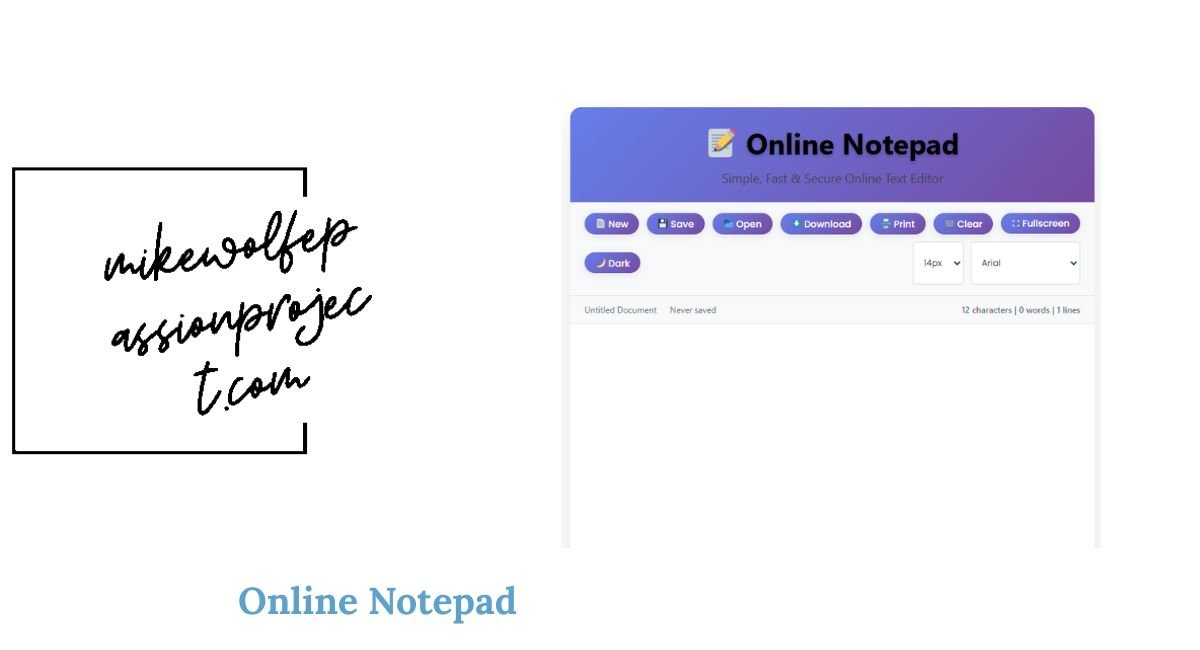
Online Notepad
📝 Online Notepad
Simple, Fast & Secure Online Text Editor
Online Notepad – Free Notepad++ Alternative in Your Browser
Our Online Notepad is a fast, lightweight, and free tool that lets you write, edit, and save text directly in your browser. No sign-up, no installation, just a clean writing space for notes, code, or ideas. Whether you need a quick memo, a coding draft, or a place to paste text, this online editor is designed for simplicity and efficiency.
What is an Online Notepad?
An Online Notepad is a browser-based editor that allows users to create and store text without needing software like Notepad or Notepad++. With this free online notepad, your notes stay accessible from any device with an internet connection. Unlike traditional editors, there’s no setup required—open the page and start typing.
Why use this Online Notepad?
-
Quick access – Works instantly in your browser.
-
No downloads – Unlike desktop software, you don’t need to install anything.
-
Free to use – 100% free, no hidden charges.
-
Lightweight editor – Perfect for notes, drafts, code snippets, and reminders.
-
Cross-device – Works on mobile, tablet, and desktop.
Key Features
-
Simple, distraction-free writing environment
-
Auto-save option (depending on your browser storage)
-
Copy, paste, and edit text easily
-
Clean interface with no clutter
-
Ideal for quick coding tests, notes, or reminders
Alternatives and Comparisons
Many users look for Notepad++ online to edit code in a browser. While this free tool is a basic editor, it offers a convenient and lightweight solution for quick edits. If you need advanced features like syntax highlighting or plugin support, dedicated code editors might be better—but for simplicity, our online notepad editor is unbeatable.
Use Cases
-
Students writing quick notes
-
Developers testing small code snippets
-
Writers drafting ideas without distractions
-
Office workers keeping reminders open in a browser tab
-
Anyone needing a free online notepad for fast text editing
Handwriting Notepad Online
For users who prefer handwritten notes, a handwriting notepad online might be better. While this tool focuses on text typing, pairing it with a stylus-based app can provide both typing and handwriting experiences.
FAQ
Is this Online Notepad free?
Yes, it’s 100% free and requires no registration.
Can I use it offline?
If your browser supports local storage, your notes may stay saved temporarily. For guaranteed saving, copy and paste into a document.
Is this a Notepad++ replacement?
Not fully. Notepad++ has advanced coding features, but this tool is a simple and lightweight alternative for quick edits.
Can I use it on mobile?
Yes, it’s mobile-friendly and works on any device with a browser.





Post Comment